
Your first thread, start to finish
Type a topic, pick a format, wait a few minutes, review, post. The whole loop in one read.
A thread takes one line from you and five to ten minutes from Autogen. Here is the loop you will repeat.
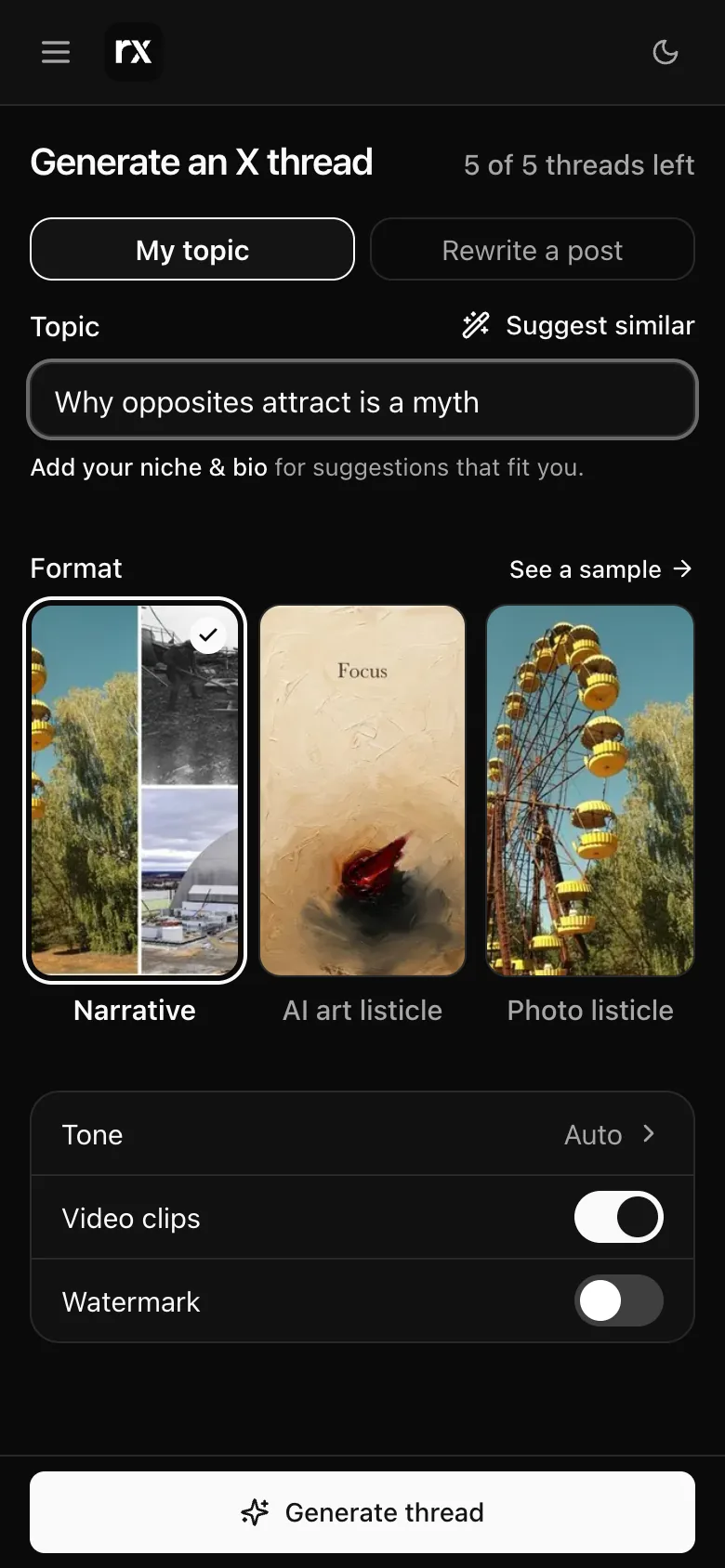
1. Give it a topic
On Create, type what the thread should be about in the topic box. One line is enough: "Why opposites attract is a myth", "What I learned running a 4-person team", a question, a take. Autogen researches the rest.
Stuck? Suggest for me reads your niches and bio and finds five ideas with a reason each. It asks for a niche or a bio first if your profile is empty. More in Topics and suggestions.
2. Pick a format
Three formats, under the topic box:
- Narrative: one story told across the posts, with short video clips found for the posts that have a matching moment.
- Photo listicle: numbered items, with real photos.
- Single post: one post instead of a thread, long or short, with pictures, a video or just text.
Narrative and Photo listicle have See a sample, a finished thread in that format, so you can pick by looking. Tone and pictures can be changed too; the defaults are fine for a first run. More in Formats, pictures and tone.
3. Generate, then wait
Press Generate thread. Autogen reads real sources, writes the posts, finds or paints the pictures, and checks the thread before it shows it. That takes 5 to 10 minutes. You can leave: the thread keeps writing, Tasks shows it running, and you get an email when it is ready. What happens during the wait is in The wait.
4. Review
When it is ready the thread opens: the hook first, then every post with its picture or clip. From here you can edit any post, ask for changes in plain words, swap a picture, or regenerate a clip. Nothing is posted until you say so.
5. Post
Post on X opens the Post dialog: which account, now or later, and whether to also send it to your Telegram list. The first time, X asks you once for permission to post. That step, and what counts against your plan, is in Connect X and post.
The 3-day free trial gives you 2 threads, and you can post both to X. After that, Starter and the other monthly plans add more threads every day. See Plans and limits.
Related
Updated 2026-11-14